
If you would like add a second county other than the one you are primarly registered to, then you can via your Profile on the EA Portal.
First log in as normal and got to your profile page.
To add County as your secondary county select “QUALIFICATIONS” then click on the “Official Roles” button in the top right-hand corner. Then click “Edit”
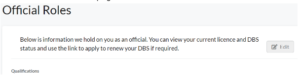
and you’ll see this:
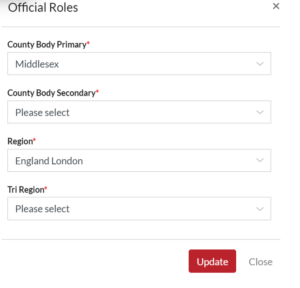
Select the second county you would like to add and click update.